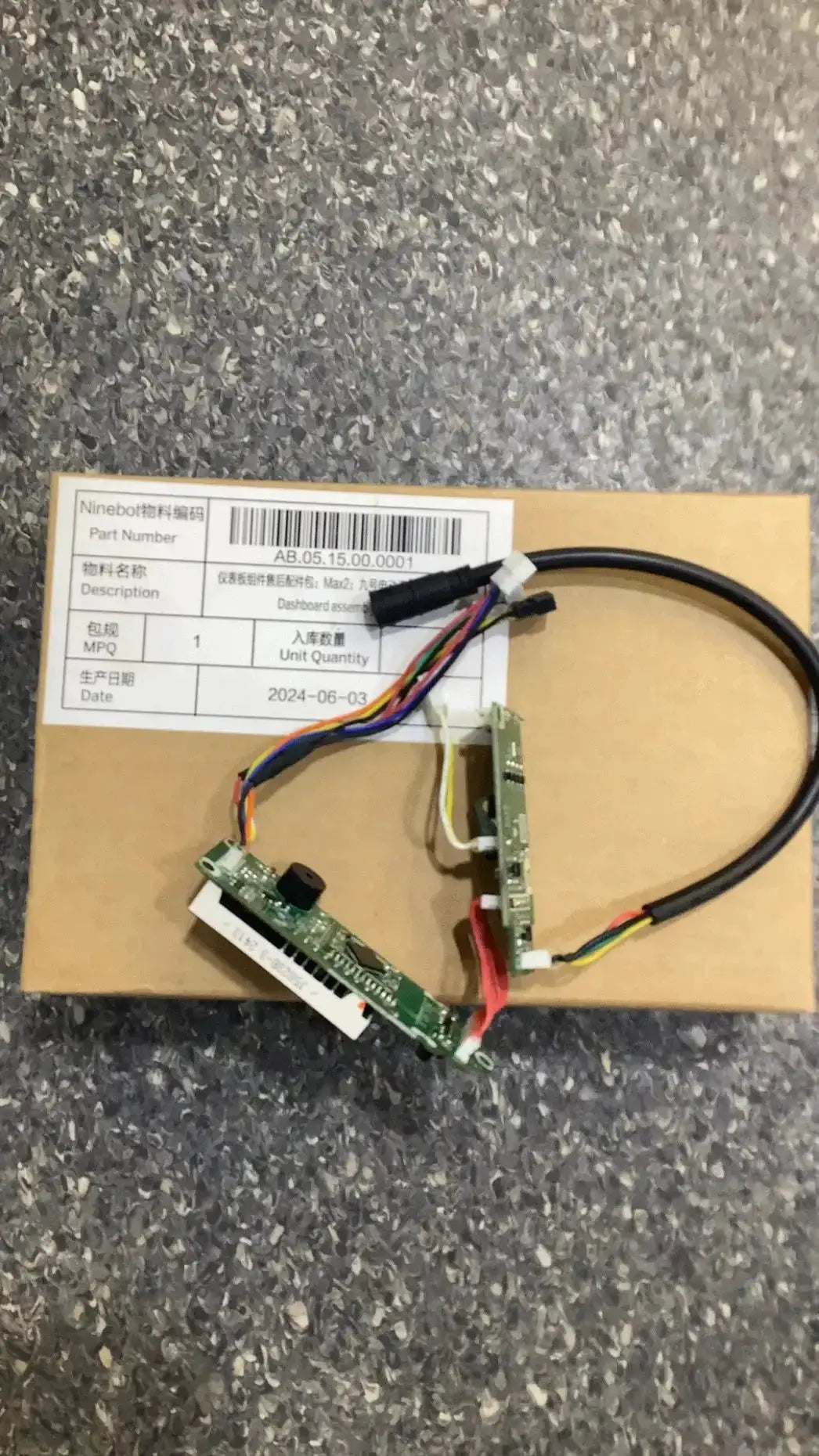
Dashboard assembly; Max 2
Dashboard assembly; Max 2
Couldn't load pickup availability
Share
Meet Dashboard assembly; Max 2 — a compact, two-piece modular dashboard panel kit designed for builders who crave a clean, organized control surface without unnecessary bulk. The Max 2 design delivers a scalable solution that fits tight spaces and grows with your project, whether you’re crafting a racing sim cockpit, a home automation dashboard, or a workshop control panel.
Why Dashboard assembly; Max 2 stands out
-
Two-piece modular design (Max 2 panels) provides flexible layout options from a single-panel setup to a slim two-panel row, so you can tailor the dashboard to your space and use case. -
Tool-light installation with intuitive alignment features, so you can assemble quickly and confidently without specialized equipment. -
Thoughtful cable management integrated channels and discreet cutouts help keep wiring tidy, easy to diagnose, and ready for expansion. -
Broad compatibility supports a wide range of gauges, switches, screens, and control modules with standard mounting patterns, reducing the need for custom adapters. -
Durable, reconfigurable build designed to endure frequent re-layouts as your project evolves, avoiding the need to rebuild from scratch.
Who is this product for?
Ideal for DIY enthusiasts, makers, and hobbyists who value a modular approach to dashboards. It’s perfect for:
- Racing and flight simulator builders seeking a compact, upgradeable cockpit panel
- Home automation designers who want a centralized, easy-to-adjust control surface
- Workshop technicians assembling a utility dashboard for equipment monitoring
- Educators and students prototyping interactive dashboards in labs or classrooms
Practical benefits and use cases
With Dashboard assembly; Max 2 you can:
- Create a clear, readable layout where gauges and controls are logically grouped, reducing cognitive load during operation.
- Swap or reposition modules quickly as requirements change, without reworking the entire dashboard.
- Keep cabling organized and accessible for maintenance, diagnostics, or upgrades.
- Prototype multiple configurations to test ergonomic placements before committing to a final design.
Installation and setup tips
- Plan your layout by mapping each control or display to an accessible location on the panel.
- Attach mounting points or rails to your chosen surface, keeping alignment references in mind for a flush fit.
- Join the two panels with the Max 2 design, ensuring seams are tight and visually cohesive.
- Route cables through the integrated management channels, using short, organized runs to minimize clutter.
- Install modules (gauges, switches, screens) using standard mounting patterns, then test for reach and readability from your typical operating position.
- Power up and calibrate each component, adjusting spacing or angle if needed for optimal visibility and access.
Why choose this over other dashboards?
Unlike fixed, bulky dashboards, Dashboard assembly; Max 2 delivers a deliberate balance of compact footprint and configurability. Its two-panel limit keeps things streamlined while still offering enough surface area for practical layouts. The combination of modularity, ease of assembly, and thoughtful cable management translates into faster setup, easier iterations, and a cleaner final look—so you can focus on your project rather than the fitment.
Ready to design your ideal control surface? Dashboard assembly; Max 2 gives you a precise, adaptable foundation to build on, with the flexibility to reconfigure as your needs evolve.